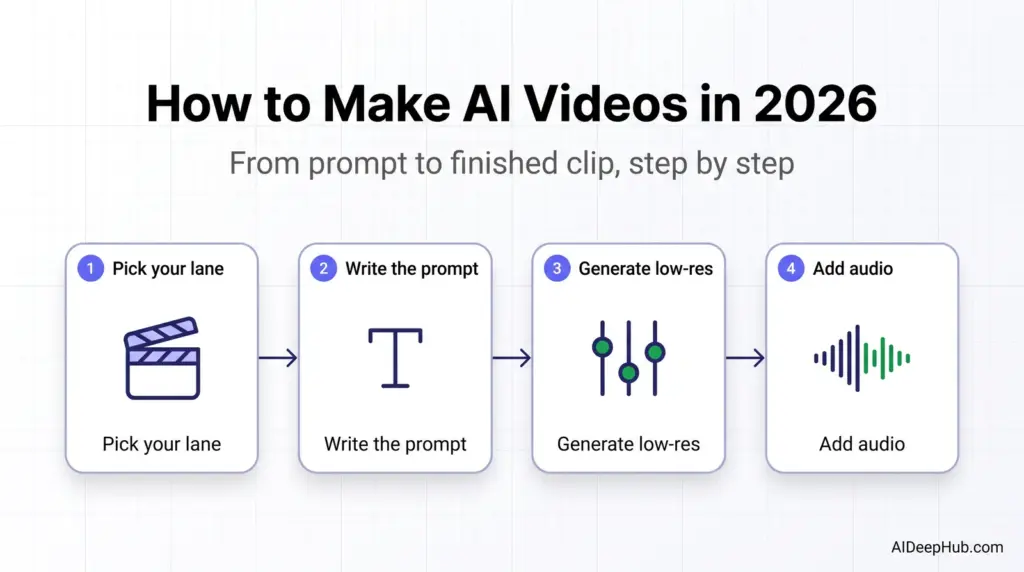
- Pick your lane first. Generative video (Veo, Kling, Runway) makes footage that never existed. Avatar/script video (HeyGen, Synthesia, InVideo) turns a script into a presenter talking. They are different jobs — most beginners pick the wrong one.
- The prompt is the product. Subject + action + setting + lighting + camera, in one or two sentences. Vague adjectives like “beautiful” give the model nothing.
- Generate low-res first. 720p costs a fraction of the credits and tells you whether the shot works before you commit.
- Budget for failure. Expect 3-6 generations per usable clip. Credit maths, not the sticker price, is what an AI video habit actually costs.
- Label it. YouTube, TikTok and Meta all require disclosure for realistic synthetic media. This is a settings toggle, not a legal footnote.
Making an AI video in 2026 takes four steps: choose whether you need generated footage or an AI presenter, write a prompt that reads like a shot description, generate at low resolution to test, then upscale and assemble the clips that worked. A usable 30-second video is roughly an hour of work — most of it before you ever click generate.
This guide walks the whole workflow, including the parts tool marketing skips: how many attempts a clip really takes, where the credits go, and which limits no model has solved yet. Part of our AI video tools hub.
Which type of AI video do you actually need?
This is the fork that decides everything else. Get it wrong and you will fight the tool for hours.
| You want… | Category | Typical tools | Realistic time |
|---|---|---|---|
| A cinematic shot of something that doesn’t exist | Text-to-video / image-to-video | Veo, Kling, Runway, Hailuo, Wan | 20-60 min per 8s clip |
| A person delivering your script to camera | AI avatar video | HeyGen, Synthesia | 10-20 min per minute of script |
| A faceless explainer from a blog post or script | Script-to-video assembly | InVideo AI, Pictory, Fliki | 15-30 min per video |
| Shorts cut out of a long video you already have | AI repurposing | Opus Clip, Descript | 5-15 min per batch |
Most “how do I make an AI video” questions are actually one of the bottom three rows. Generative models get the attention, but if your goal is a product explainer or a course intro, an avatar or script-to-video tool will get you there in a fraction of the time and cost. Our HeyGen review and Synthesia review cover the avatar route in depth.
Step 1: Choose text-to-video or image-to-video
Text-to-video generates from a written description alone. It suits landscapes, abstract motion, and scenes where you don’t care about a specific face or object.
Image-to-video animates a still you supply. Use it whenever a specific person, product, or brand asset has to stay recognisable. This is the single biggest quality lever available to a beginner: giving the model a reference image removes the hardest part of the job, which is inventing a consistent subject.
Rule of thumb: if a human face or your product appears on screen, start from an image. Generate that still in an AI image tool first, get it right there where iterations are cheap, then animate it.
Step 2: Write the prompt like a shot description
A working video prompt has four parts, in one or two sentences:
- Subject — who or what, described concretely (“a woman in a grey wool coat”, not “a person”).
- Action — one clear movement. Models handle a single action far better than a sequence.
- Setting and lighting — “a rain-slicked street at dusk, sodium streetlights”.
- Camera — “slow dolly in”, “static wide shot”, “handheld follow”.
What to cut: adjectives with no visual meaning. “Beautiful”, “amazing”, “stunning”, “cinematic masterpiece” consume prompt space and steer nothing. What to add: one mood word that maps to a real style — documentary, noir, pastel animation.
If prompt writing is the blocker, describe your idea in plain language to a chatbot and ask it to rewrite it as a video generation prompt with those four components. Our ChatGPT vs Claude comparison covers which handles creative direction better.
Step 3: Match the model to the shot
No model wins at everything, and the leaderboard turns over every few months. As of August 2026 the practical split looks like this:
| Shot type | Strongest choice | Why |
|---|---|---|
| Cinematic scene with synced audio | Google Veo | Generates picture and sound in one pass |
| A realistic person speaking | Kling | Best human-subject rendering and native lip sync |
| Multi-shot sequence with camera control | Runway | Director-style shot controls; see our Runway review |
| Product, food, fabric, liquid motion | Hailuo | Fast, physically plausible movement |
| Precise first-frame to last-frame transition | Wan | Frame-anchored control; open weights |
You do not need five subscriptions. Aggregator platforms let you run several models on shared credits, which is the cheaper way to find out which one suits your material before committing to any single vendor.
Step 4: Generate low, review long, change one thing
Three habits separate people who get usable clips from people who burn a month of credits in a weekend.
Start at 720p. Every platform lets you pick resolution. A low-res pass costs a fraction of the credits and answers the only question that matters early — is the composition and motion right? Upscale only the take you are keeping.
Watch the whole clip, not the first second. Most failures appear between seconds four and eight: a hand melts, a gait turns uncanny, an expression resets. Openings almost always look fine.
Change one variable per iteration. Prompt, source image, or model — one at a time. Change all three and you will never know what fixed it. Two to six deliberate attempts beats fifty panicked ones, and it is the difference between a $10 month and a $60 one.
Step 5: Add audio, then assemble
Except for Veo, most generative models return silent clips. Audio is a separate pass:
- Voice — an AI voice tool for narration. See our ElevenLabs review.
- Music — an AI music generator, but check the commercial-rights terms before you publish, not after.
- Assembly and captions — a video editor to cut clips together and burn in subtitles. Descript handles this by letting you edit the transcript; CapCut’s free tier is the cheapest capable option.
What AI video still can’t do in 2026
Being honest about the ceiling saves you from blaming your prompt:
- Clip length. Most models top out around 8-10 seconds per generation. A 60-second video is six to eight separate clips stitched together, not one render.
- Character consistency across shots. The same reference image helps enormously, but faces still drift between generations. Plan shots so your subject is not in close-up the whole time.
- Text on screen. Generated text is still unreliable. Add titles and captions in the editor afterwards.
- Fine-grained direction. “Have her pick up the cup, then look left” is two actions. Split it into two clips.
What it actually costs
Headline prices for AI video tools are close to meaningless because everything runs on credits, and a failed generation costs the same as a good one. Work it backwards instead:
If a usable 8-second clip takes four attempts, and your finished 40-second video needs five clips, you are paying for roughly 20 generations, not five. Entry plans across the major platforms sit in the $10-30/month range and typically cover somewhere between a handful and a few dozen high-resolution generations. Before subscribing, divide the monthly credit allowance by the cost of one high-res generation and multiply by 0.25 for your realistic hit rate. That number, not the sticker price, is what you are buying.
Free tiers are worth using for exactly one thing: finding out whether a model handles your kind of subject at all. They almost always add watermarks and cap resolution.
Disclose it — this part is not optional
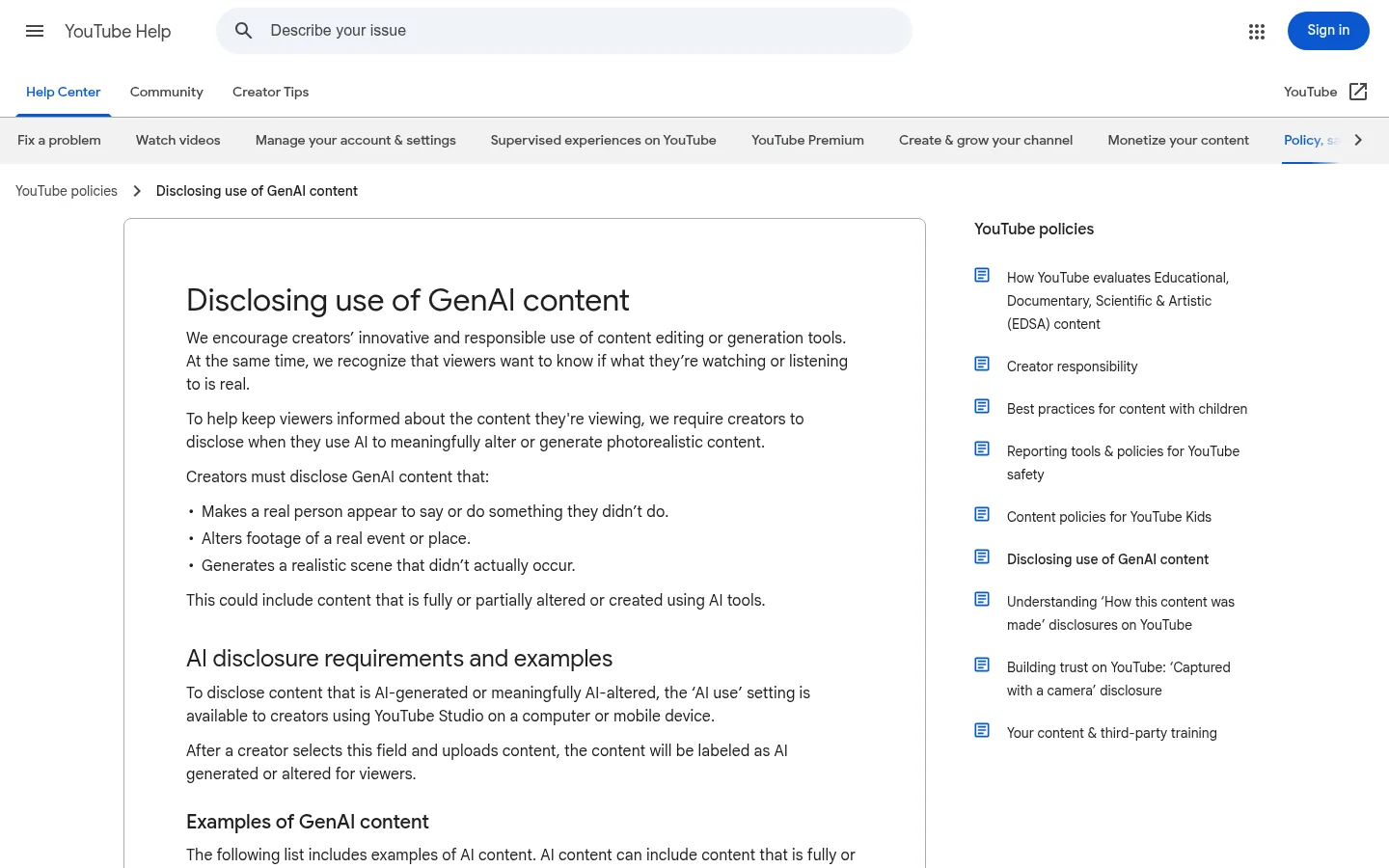
Every major platform now requires creators to flag realistic AI-generated or altered media. On YouTube it is the “altered content” question in the upload flow; TikTok and Meta have equivalent toggles and also apply automatic labels. Getting this wrong risks removal or reduced distribution, and it takes one click. Check YouTube’s disclosure requirements before your first upload.
Bottom line
If you want a presenter delivering a script, use an avatar tool and you will finish today. If you want footage that doesn’t exist, start from a reference image, write a four-part shot prompt, generate at 720p, and expect to iterate. The people producing good AI video aren’t using a secret model — they are spending their time on the shot list and accepting that most generations get thrown away.
Ready to pick a tool? Start with the AI video tools hub, or jump to free image-to-video generators if you want to test the workflow before paying.
FAQ
How do you make an AI video step by step? Choose text-to-video or image-to-video, write a prompt covering subject, action, setting and camera, generate at low resolution to check the shot, regenerate changing one variable at a time, then upscale the take you want and add voice, music and captions in an editor.
Can you make AI videos for free? Yes, with limits. Most generative platforms offer a small free credit allowance with watermarks and capped resolution, and CapCut’s editor is free. Free tiers are best used to test whether a model handles your subject before you subscribe.
How long can an AI-generated video be? Individual generations are usually 5-10 seconds in 2026. Longer videos are made by generating several clips and assembling them in an editor, not by rendering one long take.
Why does my AI video look wrong halfway through? Most quality failures appear between seconds four and eight rather than at the start. Shorten the clip, simplify to one action, or start from a reference image instead of text alone.
Do I have to disclose AI-generated video? Yes, when the content is realistic. YouTube, TikTok and Meta all require creators to label realistic synthetic or altered media, usually via a toggle in the upload flow.
What is the best AI video tool for beginners? For a talking presenter, an avatar tool like HeyGen. For generated footage, start with an image-to-video workflow on any major model — it is far more forgiving than text-to-video for a first attempt.