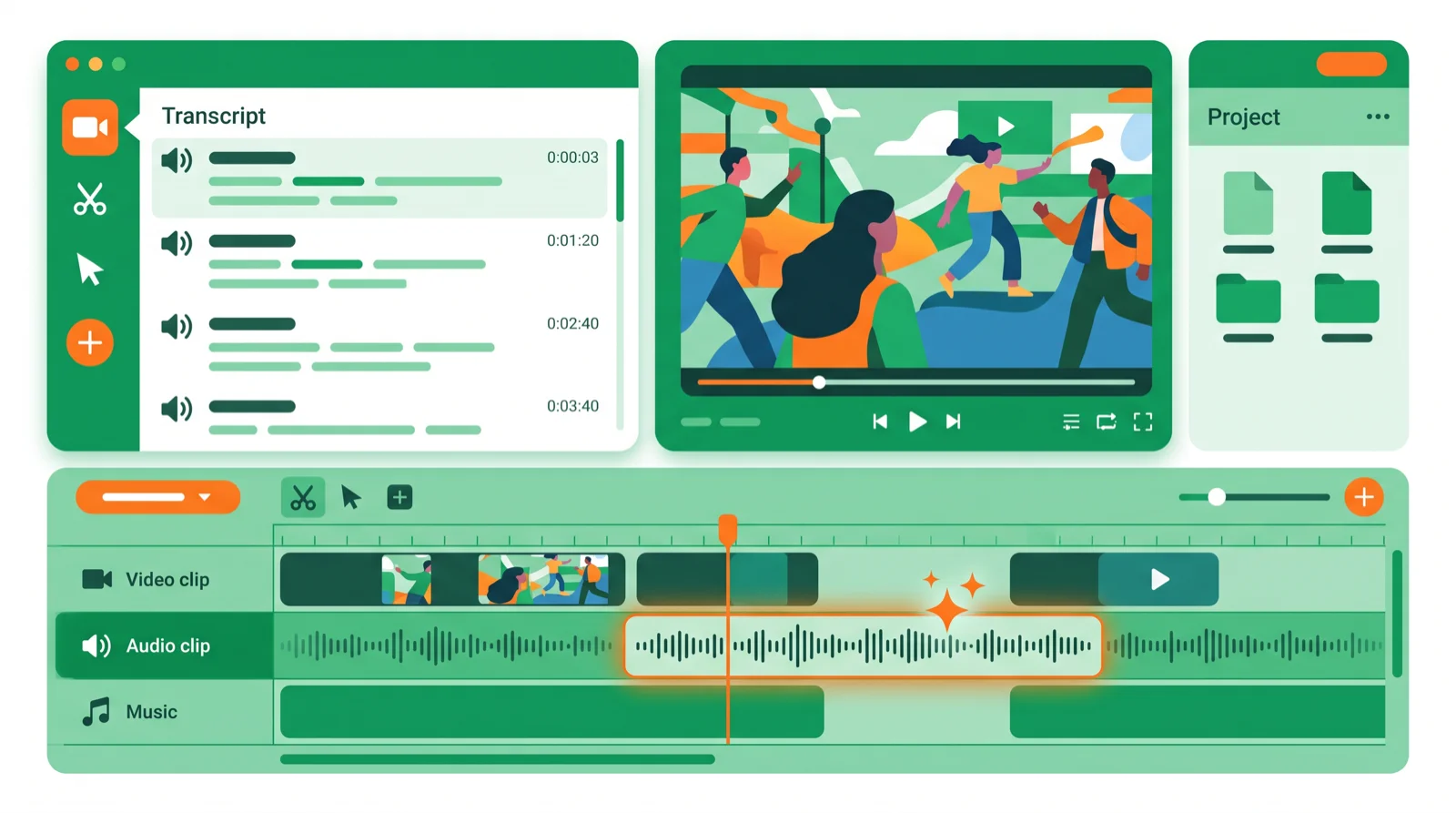
- Descript lets you edit video and podcasts by editing the transcript — delete a word, delete the footage.
- Its AI stars: Overdub voice cloning, Studio Sound, one-click filler-word removal, and auto captions.
- Free plan to try; paid from ~$24/mo. Best for podcasters and talking-head creators, not cinematic editing.
Descript’s AI has made it one of the most-searched video and podcast editors of 2026, because it flips editing on its head: you edit the words, and the audio and video follow. This guide covers what Descript’s AI actually does, what it costs, and the best alternatives.
Part of our AI video & audio hub — see also our full Descript review.
What is Descript AI?
Descript is a text-based editor. It transcribes your recording, then lets you edit the media by editing the transcript — delete a sentence of text and the matching video or audio disappears. On top of that sits a stack of AI tools that remove the tedious parts of production.
Descript’s key AI features
- Text-based editing: cut, rearrange, and trim by editing words, not waveforms.
- Overdub: a cloned AI voice that fixes a flubbed line by typing the correction.
- Studio Sound: one click to make phone or laptop audio sound studio-recorded.
- Filler-word removal: strip out every “um” and “uh” automatically.
- Auto captions & show notes: generate subtitles, summaries, and clips for social.
Descript pricing
Descript has a free plan for trying the workflow, with paid tiers from about $24/month (Hobbyist/Creator) unlocking more transcription hours, Overdub, and watermark-free export. Fair value if you publish regularly.
Descript pros and cons
- Pros: the fastest way to edit talking-head video and podcasts, excellent AI cleanup, captions and clips built in, gentle learning curve.
- Cons: not built for cinematic or heavy motion-graphics editing, can get sluggish on very long projects, and the best AI features need a paid plan.
Descript alternatives
| Tool | Best for | Free | Paid from |
|---|---|---|---|
| Descript | Text-based podcast/video edit | Yes | ~$24/mo |
| Riverside | Remote recording + editing | Yes | ~$19/mo |
| Adobe Podcast | Best free audio cleanup | Yes | Free / Adobe plan |
| CapCut | Free short-form editing | Yes | ~$10/mo |
Pick Riverside if you record remote interviews, Adobe Podcast for free audio enhancement, and CapCut for free short-form editing. See our hands-on Descript review for the full verdict.
Who should use Descript?
- Use it if you make podcasts, YouTube talking-head videos, or courses and want fast, text-based editing.
- Skip it if you need cinematic color, heavy VFX, or motion graphics — use Premiere or DaVinci.
Bottom line
Descript’s AI is the fastest way to edit podcasts and talking-head video — editing by text, cleaning audio, and removing filler words that would take hours by hand. It’s not a cinematic editor, but for creators and podcasters it’s a genuine time-saver. Try the free plan first. Explore more in the AI video hub.
FAQ
What is Descript AI? A text-based video and podcast editor — it transcribes your recording so you can edit the media by editing the words, with AI tools like Overdub, Studio Sound, and filler-word removal.
Is Descript free? There’s a free plan to try it; paid tiers start around $24/month and unlock more transcription, Overdub, and watermark-free export.
Is Descript good for podcasts? Yes — it’s one of the best podcast editors, with text-based editing, audio cleanup, and automatic show notes and clips.
What is Overdub? Descript’s AI voice cloning — it creates a model of your voice so you can fix a mistake by typing the corrected words instead of re-recording.
What’s the best Descript alternative? Riverside for remote recording, Adobe Podcast for free audio cleanup, and CapCut for free short-form editing.
🧰 More: AI video tools · Descript review · Captions AI
