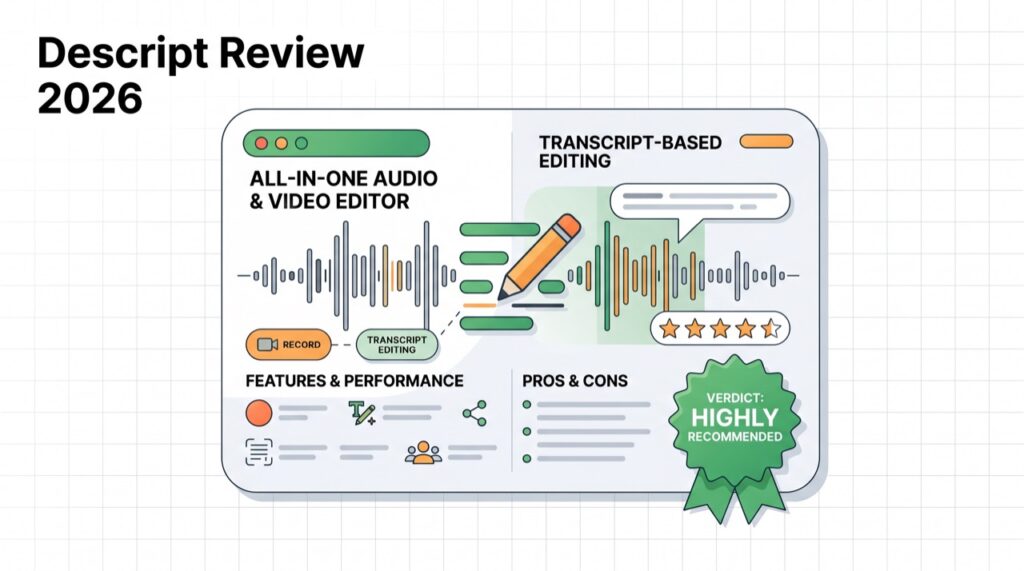
Descript reinvented editing: it transcribes your audio or video, and you edit the media by editing the text — delete a word, delete the footage. Add a suite of AI tools and it becomes the most approachable serious editor for creators, podcasters, and course-makers.

What is Descript?
Descript is an all-in-one audio and video editor built around a transcript. It handles recording, transcription, editing, screen capture, and publishing, with AI features that automate the tedious parts of editing talking-head content.
Descript key features
Text-based editing + transcription
Accurate transcription plus edit-by-text is the core: cut words, rearrange sentences, and remove “ums” as easily as editing a document — a huge time-saver for podcasts and talking-head video.
AI tools: Studio Sound, Overdub, eye contact
Studio Sound cleans up audio, Overdub clones your voice to fix mistakes by typing, filler-word removal is one click, and AI eye contact corrects your gaze — features that would take hours manually.
Descript pricing (2026)
Verify current pricing and hour limits on Descript’s site.
| Plan | Price (approx.) | Best for |
|---|---|---|
| Free | $0 | Trying it out with limits |
| Hobbyist / Creator | ~$12–$24/mo | Solo creators & podcasters |
| Business | Higher | Teams & advanced AI |
Pros and cons
✅ Pros
- Edit video/audio by editing text — huge time-saver
- Excellent transcription + AI cleanup tools
- Voice cloning (Overdub) to fix mistakes by typing
- Great for podcasts and talking-head video
❌ Cons
- Can be resource-heavy on older machines
- Advanced AI features gated to paid tiers
- Not built for cinematic or generative video
Who should use Descript (and who should skip)
Use it if you edit podcasts or talking-head videos and want to work fast. Skip it if you need avatar videos (HeyGen/Synthesia) or generative clips (Runway).
Bottom line: is Descript worth it?
Yes, for creators and podcasters. Text-based editing plus AI cleanup makes Descript the fastest way to produce polished talking-head content. See the best AI video tools. Try Descript →
FAQ
Is Descript free? Yes — a free plan with limits; paid plans add hours and advanced AI features.
What is Descript best for? Editing podcasts and talking-head video by editing the transcript.
Does Descript clone your voice? Yes — Overdub creates a clone so you can fix mistakes by typing.
Is Descript good for beginners? Very — text-based editing is far more intuitive than a traditional timeline.
Descript vs CapCut? Descript is best for transcript-based editing and podcasts; CapCut is a free social/short-form editor.
🧰 More: AI Video hub · Best AI video generators · All AI Tools
