- An autonomous AI agent decides its own steps. You give it a goal, not a workflow. That single difference is what separates an agent from the automation you already run.
- Most “AI agents” sold in 2026 are not autonomous. They are workflows with an AI step inside. That is usually a good thing — and much cheaper.
- The cost model is the trap. Agents are billed per run or per execution, and an agent that loops burns budget without producing anything.
- Start supervised. Human-in-the-loop on anything that sends, pays, publishes or deletes. Autonomy is a setting you earn, not one you switch on.
- Best entry point: a workflow tool with agent nodes (n8n, Make, Zapier) rather than a pure agent framework.
An autonomous AI agent is software that takes a goal, decides its own sequence of steps, uses tools to carry them out, checks the result, and retries until it is done or gives up. The difference from ordinary automation is that nobody wrote the steps in advance — the model chooses them at runtime.
That is genuinely new, and genuinely oversold. This guide covers what agents actually do well in 2026, the three levels of autonomy worth knowing, what they cost once execution billing kicks in, and where they still fail. Part of our AI automation tools hub.
What makes an agent “autonomous”?
Four capabilities, and a system needs all four to earn the label:
- Goal, not script. You state an outcome (“find every unpaid invoice over 30 days and chase it”), not a sequence.
- Planning. The agent breaks the goal into steps and orders them itself.
- Tool use. It calls APIs, searches, reads files, writes to systems — actions with real effects.
- Self-correction. It checks its own output, notices failure, and tries a different route.
Drop the fourth and you have a smart script. Drop the first and you have a chatbot. Most products marketed as agents are missing at least one.
The three levels of autonomy
| Level | What it does | Who decides steps | Right for |
|---|---|---|---|
| 1. AI-in-workflow | Fixed automation with an AI step (classify, summarise, draft) | You | 90% of real business tasks |
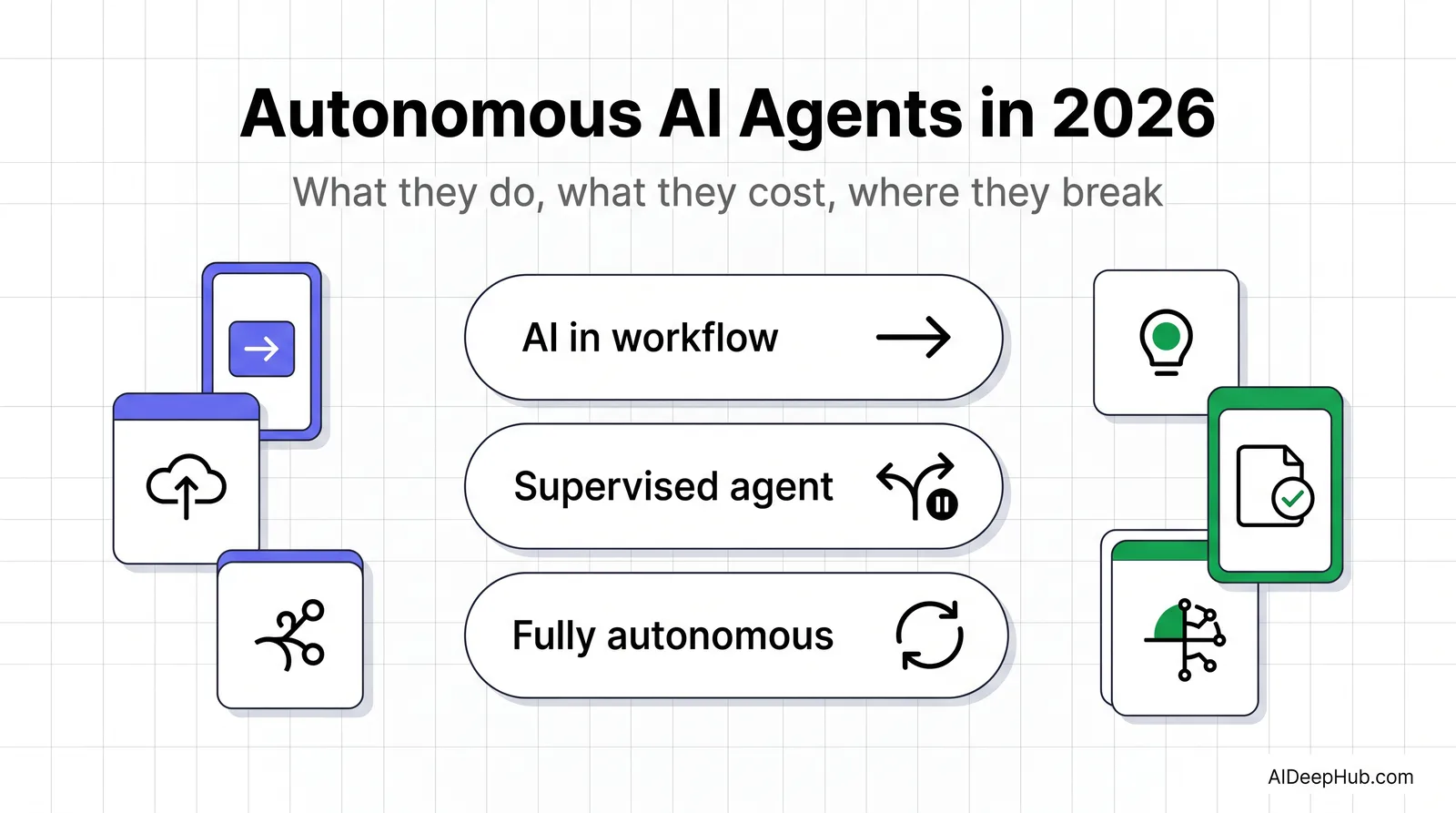
| 2. Supervised agent | Plans its own steps, pauses for approval before acting | Agent proposes, you approve | Outreach, support drafts, research |
| 3. Fully autonomous | Plans and acts without checkpoints | Agent | Low-stakes, reversible, well-bounded tasks only |
The honest advice: almost everyone should be at level 1 or 2. Level 3 is where the demos live and where the budget disappears.
What agents are genuinely good at in 2026
- Research and synthesis. “Find the top 20 companies matching this profile and summarise each” is the standout use case — many steps, low risk, easy to verify.
- Triage and routing. Reading inbound messages, classifying them, and drafting a first response.
- Data enrichment. Filling gaps in a spreadsheet by looking things up across sources.
- Multi-step retrieval. Anything where the next query depends on the last answer — the one thing fixed workflows genuinely cannot do.
Notice the pattern: all four are read-heavy and reversible. That is not a coincidence.
Where they still fail
Being specific, because vendors are not:
- Loops. An agent that cannot achieve its goal will keep trying. Without a step cap it will burn your entire execution allowance on one task and return nothing.
- Compounding error. Each step is probabilistic. Ten steps at 95% reliability is about 60% end-to-end. Long chains fail more often than any single step suggests.
- Silent wrongness. An agent that fetched the wrong data reports success in the same confident tone as one that got it right.
- Irreversible actions. Sending, paying, publishing, deleting. Give an agent write access to those and one bad plan becomes a real incident.
- Auditability. When the agent picks the steps, “why did it do that?” is a much harder question than with a fixed workflow.
What autonomous agents actually cost
This is where the category surprises people, because the pricing model changed.
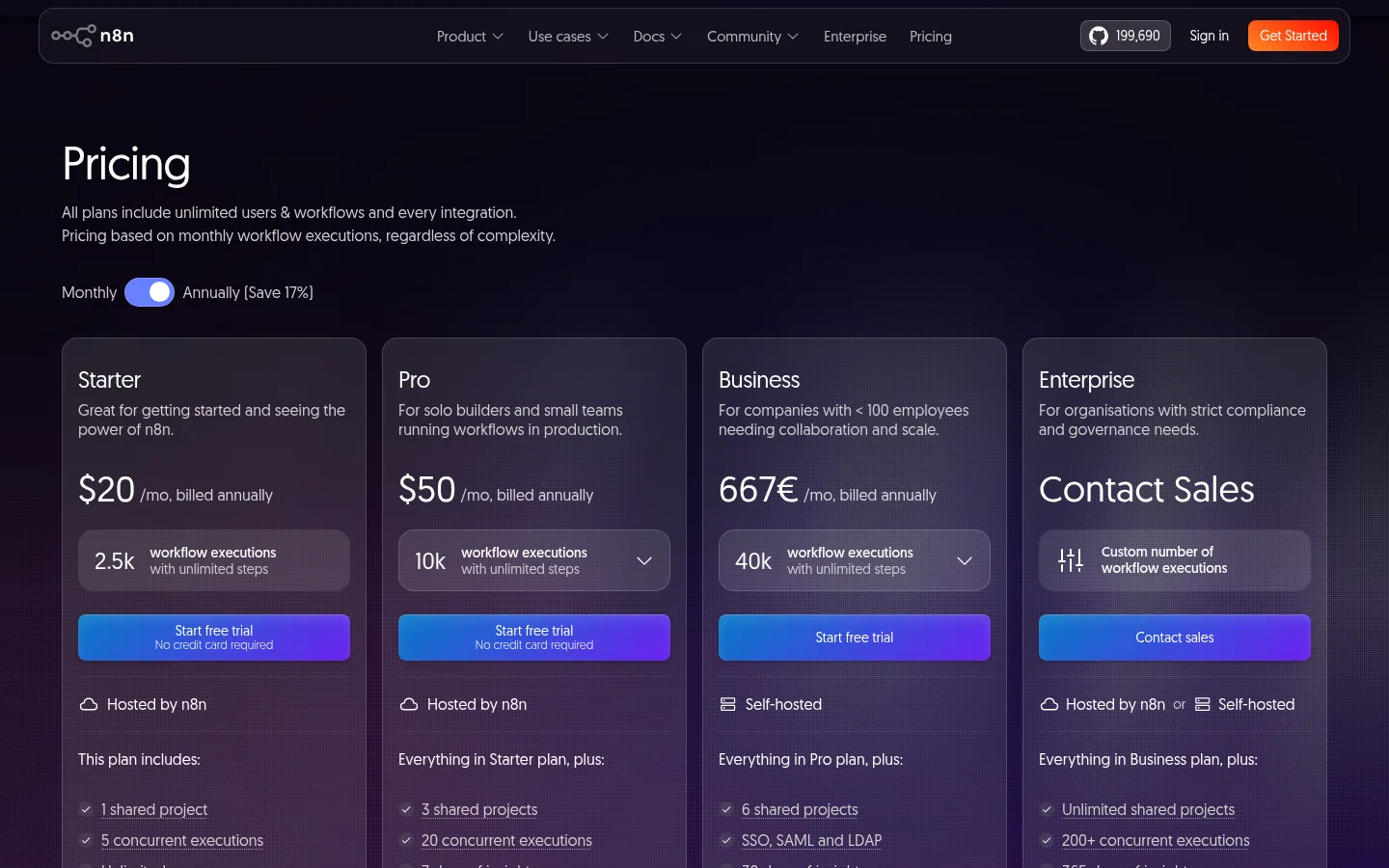
Traditional automation is billed per task or per user. Agent platforms are billed per execution or per run — and an agent that plans, retries and self-corrects consumes many executions per goal. As of August 2026, n8n prices on monthly workflow executions: Starter at $20/month for 2,500 executions and Pro at $50/month for 10,000, both billed annually, with unlimited users and workflows on every tier.
Do the maths before you commit. If one agent run averages 15 executions and you run it 20 times a day, that is 9,000 executions a month — the Starter plan is gone in the first week. The number that matters is executions per completed goal, and you can only get it by measuring on your own tasks.
On top of that sits model cost. Agents make many model calls per run, and reasoning-heavy models cost more per call. Two tools with identical subscription prices can differ several-fold in real monthly spend.
How to actually deploy one
- Pick a task you already do manually and can verify in under a minute. If you cannot check the output quickly, you cannot trust the agent.
- Build it as a fixed workflow first. If a deterministic workflow solves it, stop there — it is cheaper, faster and auditable. Our no-code AI platform guide covers that route.
- Add agency only where the path genuinely varies. That is the one thing a fixed workflow cannot do.
- Cap everything. Maximum steps, maximum runtime, maximum spend. Non-negotiable.
- Keep a human on irreversible actions until you have weeks of clean logs.
- Log every step, not just outcomes. When it goes wrong you will need the plan, not the result.
Which platform should you start with?
- You already automate things: add agent nodes in your existing tool. See n8n, Zapier vs Make.
- You want agents without building: a managed agent platform — see our best AI agents roundup and Relevance AI guide.
- You want to understand the concept first: start with what is an AI agent.
- You just want one repetitive task gone: you probably do not need an agent at all. A workflow will do it for less.
Bottom line
Autonomous agents are real, and 2026 is the first year they are worth building on — for research, triage and enrichment, under supervision, with hard caps. What they are not is a replacement for the automation you already run. Build the fixed workflow first, add autonomy only where the path genuinely varies, and measure executions per completed goal before you pick a plan. The teams getting value from agents in 2026 are the ones who gave them the least freedom necessary.
More in the AI automation tools hub.
FAQ
What is an autonomous AI agent? Software that takes a goal rather than a script, plans its own steps, uses tools to act, and self-corrects when a step fails. If a human wrote the sequence in advance, it is automation with AI in it, not an autonomous agent.
What is the difference between an AI agent and automation? Automation follows a fixed path you defined. An agent decides the path at runtime. Automation is cheaper, faster and auditable; agents are worth it only when the right sequence genuinely varies between runs.
How much do autonomous AI agents cost? Most platforms bill per workflow execution rather than per user, and one agent run consumes many executions. n8n starts at $20/month for 2,500 executions and $50/month for 10,000 as of August 2026. Model API cost sits on top.
Are autonomous AI agents safe to use? For read-heavy, reversible tasks with step caps, yes. For anything that sends, pays, publishes or deletes, keep a human approval step until you have weeks of clean logs.
Why do AI agents fail? Compounding error is the main reason: ten steps at 95% reliability each is roughly 60% end-to-end. Agents also loop when they cannot reach a goal, and report failures in the same confident tone as successes.
What are autonomous agents best used for in 2026? Multi-step research, lead and data enrichment, inbound triage, and any retrieval task where the next query depends on the previous answer.