- Best overall: Cursor — an AI-native editor rather than a plugin, $20/month for individuals.
- Best if you can’t switch editors: GitHub Copilot — it lives inside VS Code, JetBrains and Visual Studio.
- Best for whole-task work: a terminal agent like Claude Code, when you want the change made rather than suggested.
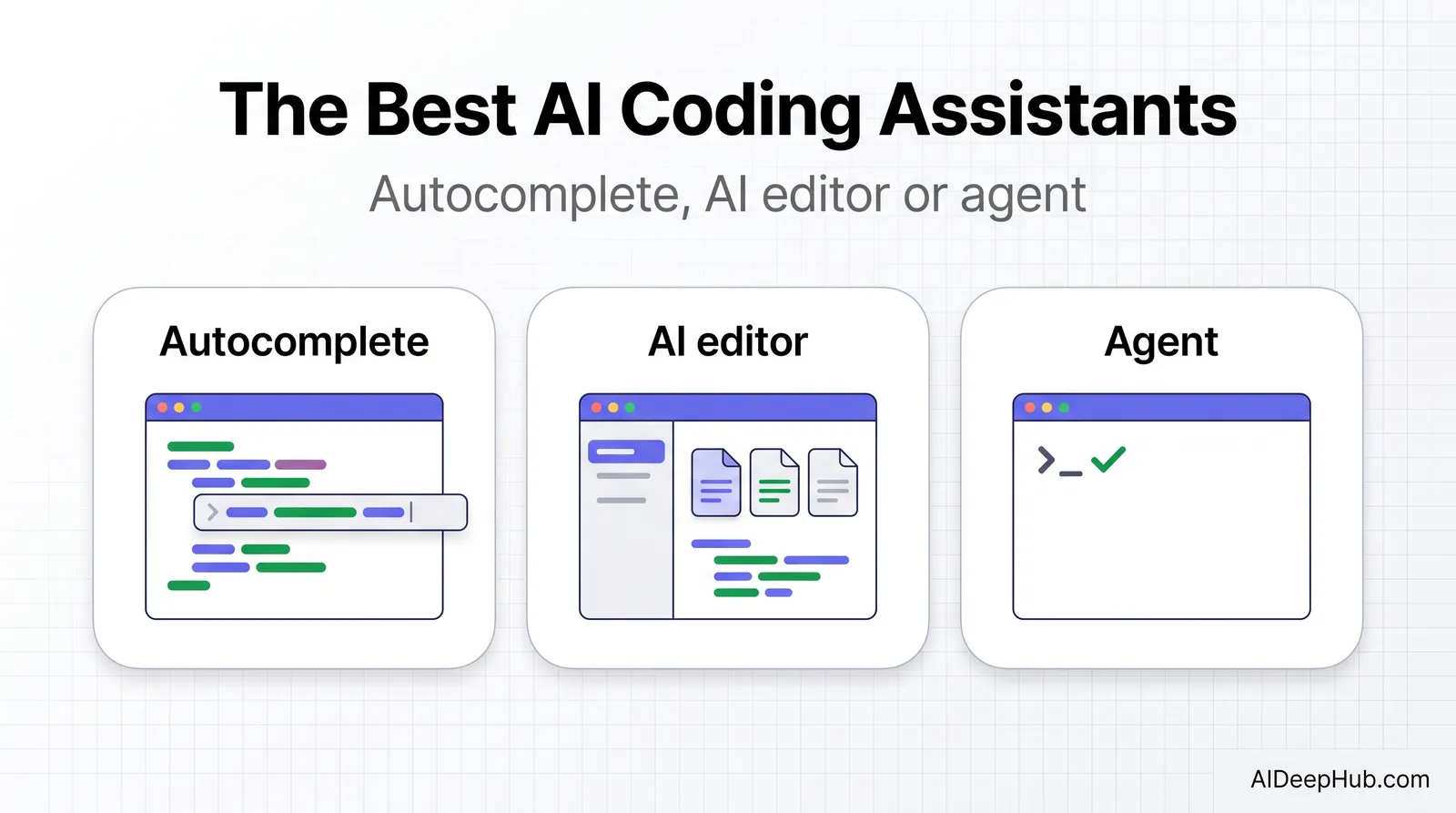
- The category split that matters: autocomplete assistants suggest the next lines; agents do the whole task. Different tools, different prices, different risks.
- Free tiers are real. Cursor’s Hobby plan and Copilot’s free tier are both enough to decide with.
The best AI coding assistant in 2026 is Cursor for most developers, because it rebuilt the editor around the AI instead of bolting AI onto an editor. GitHub Copilot is the right answer if your team is standardised on an IDE you cannot leave, and a terminal agent is the right answer when you want a task completed rather than a suggestion accepted.
Below: what each does, real pricing, and the honest limits. Part of our AI productivity tools hub.
The three kinds of AI coding assistant
| Type | What it does | Examples | Risk profile |
|---|---|---|---|
| Autocomplete | Predicts the next lines as you type | Copilot, Codeium | Low — you review every line |
| AI-native editor | Chat, multi-file edits, codebase context | Cursor, Windsurf, Zed | Medium — larger diffs to review |
| Terminal / agent | Takes a task, edits files, runs commands | Claude Code and similar | Higher — it acts, then reports |
Most developers end up using two: autocomplete or an AI editor for daily work, and an agent for well-defined chunks like migrations, test coverage and refactors.
1. Cursor — best overall
Cursor is a fork of VS Code rebuilt so the AI has the whole project in context rather than the current file. That difference shows up in multi-file edits, in refactors that touch things you forgot about, and in answers about how your own codebase works. Composer handles larger changes; agent mode takes a task and works through it.
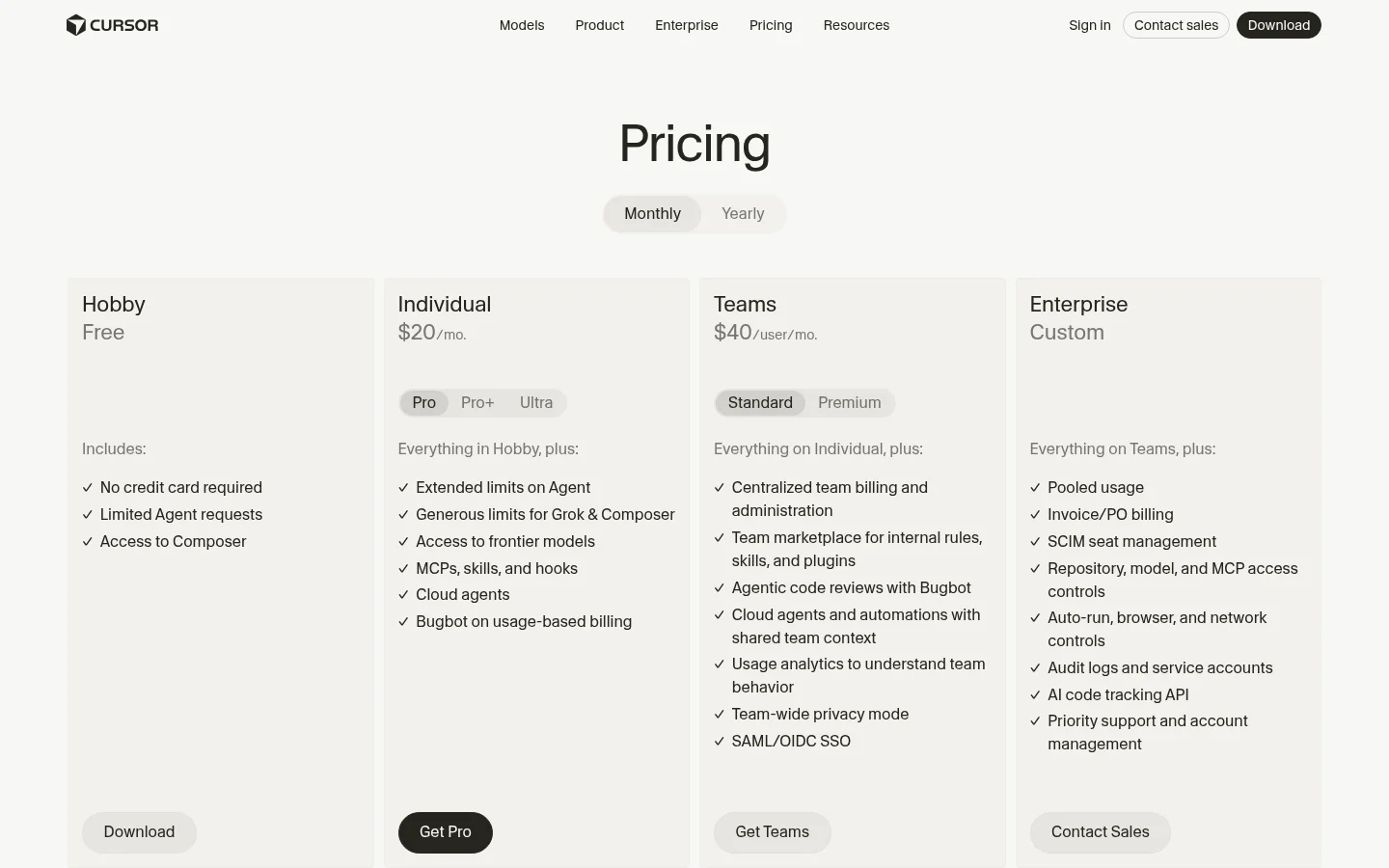
Real pricing (Aug 2026): Hobby is free with limited agent requests. Individual is $20/month (with higher Pro+ and Ultra tiers), Teams $40/user/month adding centralised billing, shared rules and agentic code review, and Enterprise is custom.
Who should skip it: anyone who cannot leave their current IDE — JetBrains users with deep muscle memory, or teams with a mandated toolchain. The tool is excellent; switching editors is a real cost.
2. GitHub Copilot — best if you stay in your IDE
Copilot’s advantage is not that it is the smartest — it is that it is already where you work, in VS Code, JetBrains, Neovim and Visual Studio, with organisation-level billing your company probably already has. Its autocomplete is excellent, chat is solid, and the agentic features have caught up considerably.
Who should skip it: developers whose main need is whole-codebase reasoning. Copilot sees less context than an AI-native editor, and on large refactors it shows.
3. Terminal agents — best for whole tasks
A different model of working: you describe a task in the terminal, the agent reads the repo, edits files, runs tests, and iterates until it passes. Nothing is suggested; things are done. For migrations, adding test coverage, dependency upgrades and mechanical refactors this is dramatically faster than reviewing suggestions line by line.
What to watch: agents are billed on usage rather than a flat seat, so cost scales with how much work you hand over. And you must review the diff — an agent that got the wrong idea produces a large, confident, wrong change. Our agentic AI coding tools guide covers this mode in depth.
4. Windsurf, Zed and the rest
Windsurf is Cursor’s closest competitor with a cleaner agent flow. Zed is the pick if editor performance matters to you — it is fast in a way Electron-based editors are not. Both are credible; neither has a decisive advantage over Cursor for most people in 2026.
Which should you pick?
- Solo developer or small team, willing to switch editors: Cursor.
- Enterprise with a mandated IDE: GitHub Copilot.
- Large mechanical changes — migrations, tests, upgrades: a terminal agent.
- You care most about editor speed: Zed.
- Zero budget: Cursor Hobby or Copilot’s free tier. Both are genuinely usable.
- You mostly want explanations, not code: a chatbot is cheaper — see Claude.
The honest limits
Review everything. The failure mode is not code that does not compile — it is code that works and is subtly wrong: an off-by-one, a missed edge case, a security assumption that does not hold. AI-assisted work needs more review attention than hand-written code, not less, because it arrives faster and looks finished.
Context has limits. “Whole codebase context” means retrieval over your codebase, not perfect knowledge of it. On large repos the assistant misses things a senior engineer would not.
It amplifies your judgement, both ways. Experienced developers get significantly faster. Beginners generate more code they cannot debug. The tool does not supply the judgement about whether the approach is right.
Check your policy. Code suggestions and repository context leave your machine. Most vendors offer zero-retention or self-hosted options for exactly this reason — if you work on proprietary or regulated code, confirm the setting before your first prompt, not after.
Bottom line
Cursor at $20/month is the best AI coding assistant for most developers in 2026, and the free Hobby tier is enough to know within a day whether the AI-native editing model suits you. Copilot wins on the practical grounds that it works where you already do. Add a terminal agent for the mechanical work you have been putting off. Whatever you choose, budget review time — the speed gain is real, and so is the volume of plausible-looking code it produces.
More in the AI productivity tools hub, or see best AI for coding and AI-powered code editors.
FAQ
What is the best AI coding assistant in 2026? Cursor for most developers, because it is built around whole-project context rather than a single file. GitHub Copilot is better if you cannot leave your current IDE, and a terminal agent is better for whole-task work like migrations and test coverage.
How much does Cursor cost? The Hobby plan is free with limited agent requests. Individual is $20 per month, Teams is $40 per user per month, and Enterprise is custom pricing, as of August 2026.
Is Cursor better than GitHub Copilot? For multi-file changes and questions about your own codebase, yes — Cursor sees more context. Copilot wins on reach, working inside VS Code, JetBrains and Visual Studio without changing editors.
Is there a free AI coding assistant? Yes. Cursor’s Hobby plan and GitHub Copilot’s free tier are both usable for real work, with limits on agent requests and completions.
Do AI coding assistants write secure code? Not reliably. They produce code that works but can carry subtle security and edge-case flaws, and it arrives fast enough to tempt lighter review. Treat AI-written code as needing more scrutiny, not less.
Will an AI coding assistant help a beginner? Less than it helps an experienced developer. It amplifies existing judgement — beginners tend to generate more code than they can debug. Use it to explain code as much as to write it.