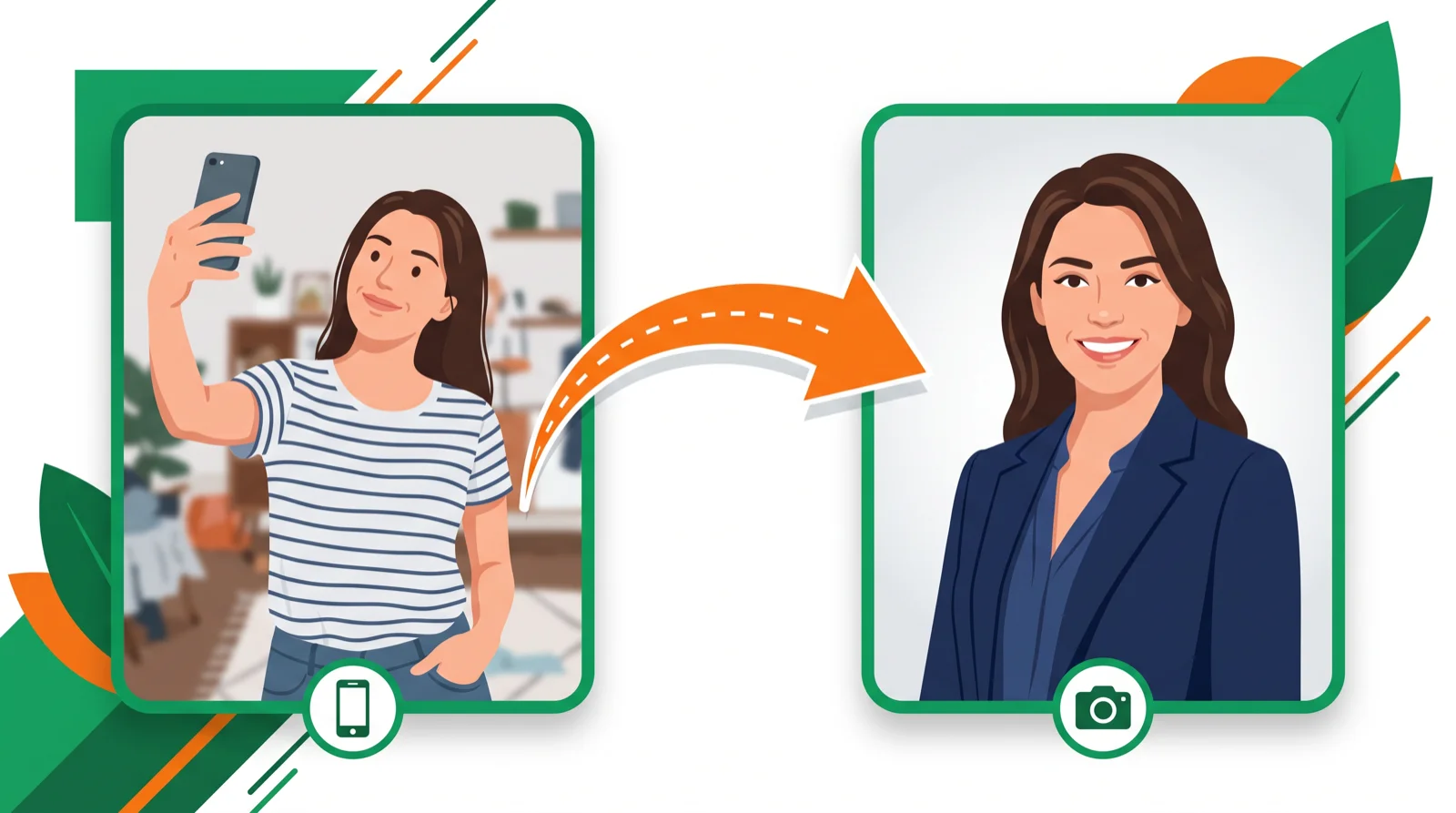
- Canva’s AI Headshot Generator turns a selfie into a studio-style headshot, with 2 free credits to try it.
- It’s the best free starting point, but dedicated tools give sharper, more consistent results.
- For LinkedIn-grade quality, HeadshotPro, Aragon, or BetterPic beat it — for a quick free shot, Canva wins.
Canva’s AI Headshot Generator promises a professional headshot from a plain selfie, free to try, inside a tool millions already use. This guide covers how it works, what it really costs, how good the results are, and when a dedicated headshot tool is worth paying for instead.
It’s part of Canva’s wider design suite — see the full AI image tools hub.
What is the Canva AI Headshot Generator?
It’s a feature inside Canva that takes a photo of your face and generates a cleaner, studio-lit “headshot” version — different background, better lighting, professional framing. You upload a selfie, pick a style, and Canva returns polished variations you can drop straight into a resume, profile, or slide.
How to use it (step by step)
- Open Canva and search “AI Headshot Generator,” or find it in the Magic Studio tools.
- Upload a clear, front-facing selfie with even lighting.
- Choose a style (business, casual, outdoor) and background.
- Generate, then pick the best variation and download or drop it into a design.
Is Canva’s AI headshot free?
You get 2 free credits to generate headshots. After that it’s part of a Canva Pro plan (~$13/mo), which also unlocks the rest of Magic Studio. So it’s free to test, then bundled into a subscription you may already want for design.
Canva AI headshots: pros and cons
- Pros: free to try, dead simple, lives inside a design tool you can use for everything else, good enough for casual profiles.
- Cons: results can look slightly “AI,” less consistent across a set, and not as sharp as dedicated headshot tools trained only on portraits.
Canva vs dedicated AI headshot tools
| Tool | Best for | Free | Paid from |
|---|---|---|---|
| Canva | Quick, free, all-in-one design | 2 credits | ~$13/mo |
| HeadshotPro | Team & consistent styles | No | ~$29 one-off |
| Aragon AI | Most realistic results | No | ~$35 one-off |
| BetterPic | LinkedIn-ready quality | No | ~$29 one-off |
If you need one decent shot fast and free, Canva is the answer. If you’re paying for headshots for a whole team or want photo-real consistency, a dedicated generator earns its one-off fee. See our free AI headshot generators roundup for more no-cost options.
Tips for a better AI headshot
- Use a sharp, front-facing selfie in even, natural light — quality in, quality out.
- Avoid sunglasses, hats, and busy backgrounds in the source photo.
- Generate a few variations and pick the one that looks most like you, not the most airbrushed.
Bottom line
Canva’s AI Headshot Generator is the best free way to turn a selfie into a usable professional headshot, and it’s bundled with a genuinely useful design suite. For a polished set of LinkedIn-grade portraits, a dedicated tool like Aragon or BetterPic is worth the small one-off cost. Explore more in the AI image tools hub.
FAQ
Is the Canva AI headshot generator free? You get 2 free credits to try it; after that it’s part of Canva Pro (~$13/mo), which includes the rest of Magic Studio.
Are Canva AI headshots good enough for LinkedIn? For a casual profile, yes. For a polished, consistent set, dedicated tools like Aragon or BetterPic look sharper.
How do I get the best result? Start with a clear, front-facing selfie in even light, skip hats and sunglasses, and generate a few variations.
What’s the best free AI headshot generator? Canva is the easiest free option; see our free AI headshot roundup for others with free trials.
Do AI headshots look fake? They can if the source photo is poor or you over-stylize. A good selfie and a natural style keep them believable.
🧰 More: AI image tools · Free AI headshot generators · All AI Tools
