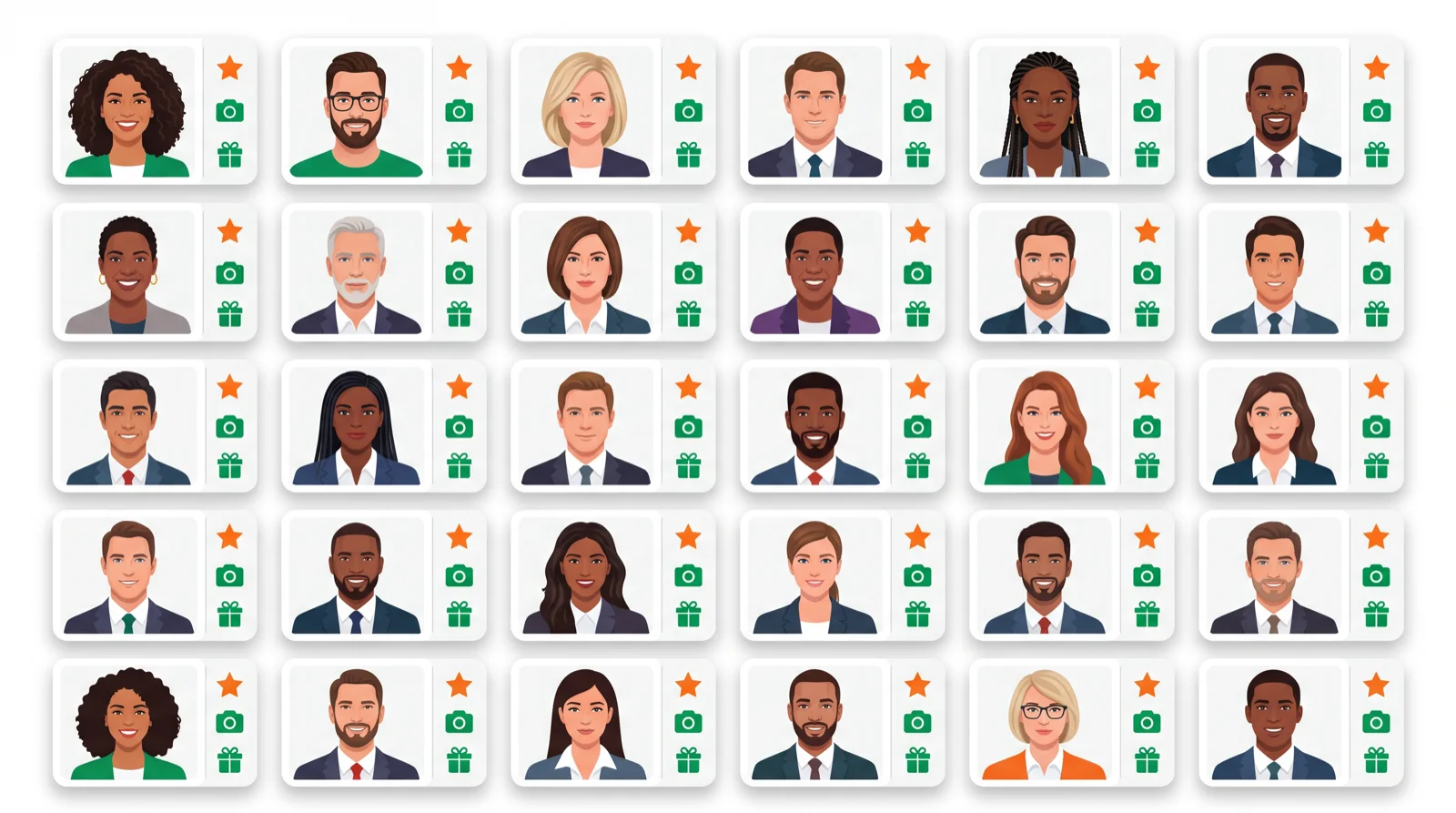
- Best genuinely free: Canva (2 credits) and Fotor · Free with watermark: Pixelcut, PicWish.
- Truly free AI headshots are limited — expect credits, watermarks, or lower resolution.
- For a polished LinkedIn set, a one-off paid tool (~$29) beats stitching free tools together.
Plenty of tools promise a free AI headshot, but “free” usually means a couple of credits, a watermark, or a lower-res download. This guide ranks the ones that give you the most for $0, and is honest about where you’ll hit a paywall.
Part of our AI image tools hub — see also the Canva AI headshot guide.
The best free AI headshot generators compared
| Tool | Free deal | Watermark? | Paid from |
|---|---|---|---|
| Canva | 2 free credits | No | ~$13/mo |
| Fotor | Free daily credits | Some | ~$9/mo |
| Pixelcut | Free with limits | Yes | ~$10/mo |
| PicWish | Free previews | Yes | ~$8/mo |
| Remini | Free trial | No | ~$10/mo |
| HeadshotMaster | Free samples | Some | ~$19 one-off |
1. Canva — best genuinely free start
Canva gives you 2 free credits with no watermark, inside a design tool you can use for everything else. The cleanest free option if you only need a shot or two.
Best for: a quick, watermark-free headshot. Full Canva headshot guide
2. Fotor — best free daily credits
Fotor refreshes a few free credits and pairs its headshot generator with a full photo editor, so you can retouch the result without paying.
Best for: free credits plus editing. Price: free daily; from ~$9/mo.
3. Pixelcut — best free with editing
Pixelcut generates headshots and handles background removal and resizing, though the free tier adds a watermark you’ll pay to drop.
Best for: quick edits alongside the headshot. Price: free (watermarked); from ~$10/mo.
4. PicWish — best for free previews
PicWish lets you preview AI headshots for free and pay only to download the full-res, watermark-free version. Good for testing before you commit.
Best for: trying before buying. Price: free previews; from ~$8/mo.
5. Remini — best free trial quality
Remini is known for photo enhancement and offers a free trial of its AI portrait features, with strong, natural-looking results.
Best for: realistic enhancement on trial. Price: free trial; from ~$10/mo.
6. HeadshotMaster — free samples, cheap upgrade
HeadshotMaster shows free sample outputs and charges a low one-off fee for the full set — a middle ground between free tools and premium generators.
Best for: a cheap full set. Price: from ~$19 one-off.
The honest truth about “free” AI headshots
No tool trains a custom model on your face, in high resolution, with no watermark, entirely for free — that costs real compute. Free tiers are perfect for testing and for a single casual shot. If you need a consistent set for a team or a serious LinkedIn refresh, a one-off paid tool (Aragon, BetterPic, HeadshotPro) around $29 gives sharper, more reliable results than fighting watermarks.
How to get the best free result
- Upload a sharp, front-facing selfie in even light.
- Use each tool’s free credits on your best photo, not a random one.
- Compare outputs across two free tools before deciding whether to pay.
Bottom line
Canva (2 free, no watermark) and Fotor (free daily credits) are the best genuinely free AI headshot generators. Free tiers are great for a quick shot; for a polished set, a small one-off payment to a dedicated tool is the better deal. More options in the AI image tools hub.
FAQ
What is the best free AI headshot generator? Canva gives 2 free, watermark-free credits, and Fotor offers free daily credits with editing built in.
Are free AI headshots really free? Partly. Most give limited credits, add a watermark, or cap resolution, then charge to unlock the full download.
Can I get a LinkedIn headshot for free? For one casual shot, yes, via Canva or Fotor. For a polished, consistent set, a one-off paid tool looks noticeably better.
Do free AI headshots have watermarks? Some do (Pixelcut, PicWish); Canva and Remini’s free options don’t watermark within their limits.
How do I make a free AI headshot look professional? Start with a sharp, well-lit, front-facing selfie and pick a natural style over a heavily airbrushed one.
🧰 More: AI image tools · Canva AI headshot generator · All AI Tools
