- Search the web with sources: Perplexity · Work with your own docs: NotebookLM (free).
- Academic papers: Elicit (finds & screens) · Consensus (scientific consensus).
- No single tool wins — most researchers pair one for finding sources with one for understanding them.
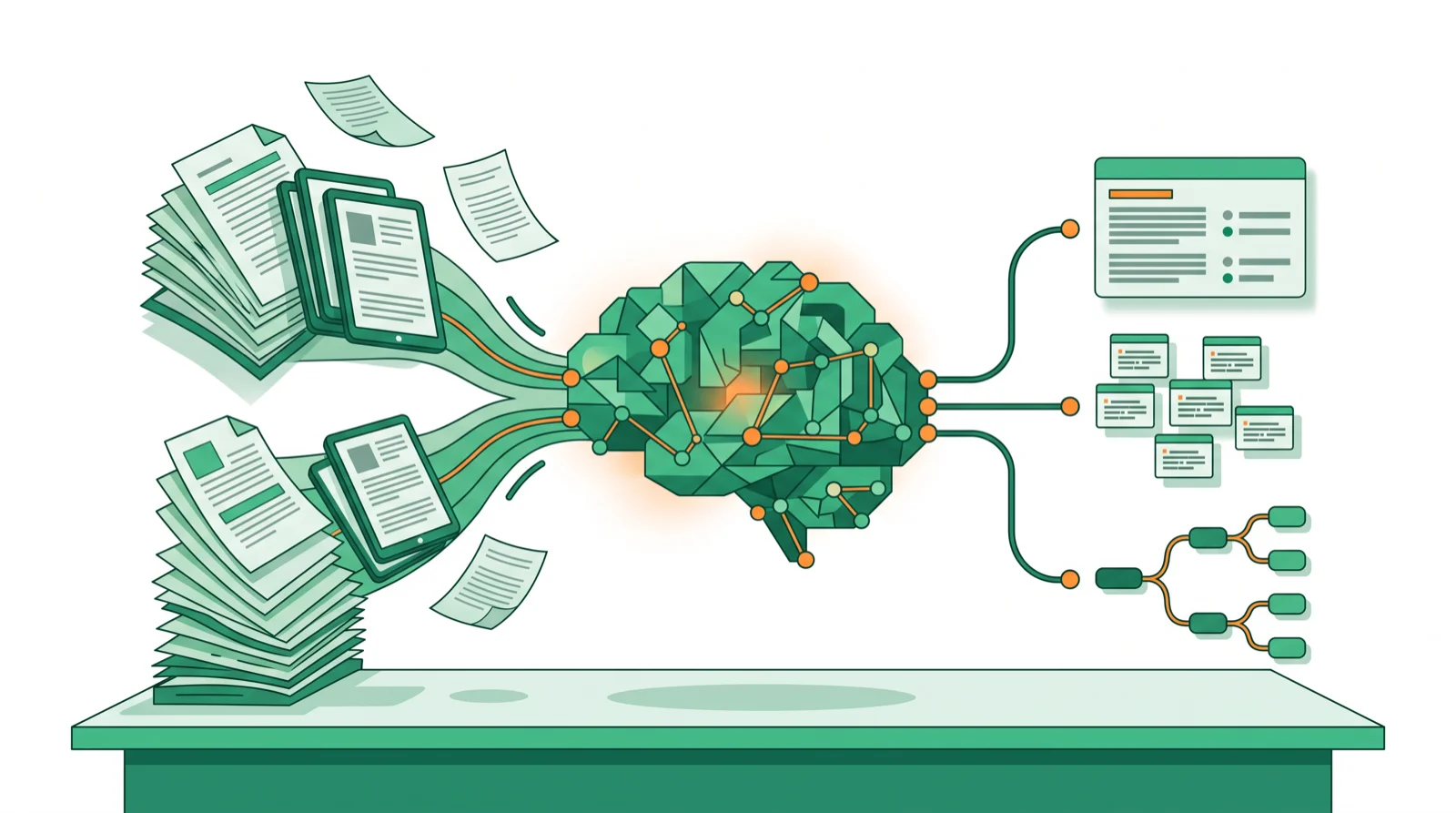
An AI-powered research assistant finds sources, reads them for you, and turns them into answers you can trust. The catch is that different tools do different jobs: some search the live web, some work through papers you upload, and some screen thousands of academic studies. This guide sorts the best by task, with real pricing.
These are the research-focused picks from our wider AI chatbots & assistants hub.
The best AI research assistants compared
| Tool | Best for | Free | Paid from |
|---|---|---|---|
| Perplexity | Web research with citations | Yes | ~$20/mo |
| NotebookLM | Your own documents | Free | Free |
| Elicit | Finding & screening papers | Yes | ~$12/mo |
| Consensus | Scientific consensus | Yes | ~$9/mo |
| ChatGPT (Deep Research) | Long multi-step reports | Limited | ~$20/mo |
| Claude | Reasoning over documents | Yes | ~$20/mo |
| SciSpace | Understanding dense papers | Yes | ~$12/mo |
| Consensus / Scite | Checking how a paper is cited | Trial | ~$20/mo |
What is an AI research assistant?
It’s a tool that does the slow parts of research — finding sources, reading them, extracting the key points, and citing them. Think of it in two modes: discovery (find and screen sources you don’t have yet) and comprehension (understand sources you already have). The best setup usually uses one of each.
1. Perplexity — best for web research with sources
Perplexity searches the live web and cites every claim, so you can click through to the original and verify it. For fast, fact-based questions and current events, nothing beats it. The free tier covers most use; Pro (~$20/mo) adds deeper models.
Best for: quick, source-grounded answers. Perplexity vs ChatGPT
2. NotebookLM — best for your own documents
Google’s NotebookLM works only with sources you give it — PDFs, notes, transcripts — and answers grounded in them, with citations back to the exact passage. Its Studio turns your sources into audio overviews, mind maps, flashcards, and slides. It’s free and genuinely generous.
Best for: studying and summarizing documents you have. Price: free.
3. Elicit — best for finding & screening papers
Elicit searches 138M+ academic papers, screens them against your criteria, and extracts structured data into custom columns. The go-to for literature reviews and evidence synthesis at scale.
Best for: academic literature reviews. Price: free tier; paid from ~$12/mo.
4. Consensus — best for scientific consensus
Consensus answers research questions by pulling findings straight from peer-reviewed studies and showing where the science agrees or splits. Great for evidence-based answers without wading through PDFs.
Best for: “what does the research say?” questions. Price: free tier; paid from ~$9/mo.
5. ChatGPT Deep Research — best for long reports
ChatGPT’s Deep Research mode runs multi-step web research and returns a long, structured, cited report. Slower, but strong when you need a briefing rather than a quick answer.
Best for: in-depth reports and market scans. Price: included with Plus ~$20/mo.
6. Claude — best for reasoning over documents
Claude’s large context and careful reasoning make it excellent for thinking through long documents, comparing arguments, and drafting from what it reads. Pair it with a discovery tool that finds the sources.
Best for: deep analysis and writing. Claude review
7. SciSpace — best for dense papers
SciSpace explains complex academic papers in plain language, defines jargon on hover, and answers questions about a study. A helpful co-reader for anyone outside their field.
Best for: understanding hard papers. Price: free tier; paid from ~$12/mo.
Best AI research assistant by task
- Search the web, cite sources: Perplexity.
- Work through documents you have: NotebookLM (free).
- Find and screen academic papers: Elicit.
- Evidence-based answers: Consensus.
- A long, cited report: ChatGPT Deep Research.
- Understand a dense paper: SciSpace; think deeply about it: Claude.
Do you need to pay?
Not to start. NotebookLM is fully free, and Perplexity, Elicit, Consensus, and Claude all have free tiers that cover casual research. Pay when you hit limits or need scale — screening hundreds of papers (Elicit) or running frequent deep reports (ChatGPT) is where a subscription earns its keep.
How to choose
- Do you have the sources yet? No → a discovery tool (Perplexity, Elicit); yes → a comprehension tool (NotebookLM, SciSpace).
- Academic or general? Academic → Elicit and Consensus; general → Perplexity and NotebookLM.
- Answer or report? Quick answer → Perplexity; full briefing → ChatGPT Deep Research.
- Always verify. Click the citations — AI can still misread a source.
Bottom line
For most people, Perplexity (web + citations) plus NotebookLM (your own documents, free) is the ideal pair. Researchers should add Elicit for finding papers and Consensus for evidence, with Claude or ChatGPT Deep Research for the heavy thinking. Explore the full AI assistants hub.
FAQ
What is the best AI research assistant? Perplexity for web research with citations, NotebookLM for your own documents, and Elicit for finding academic papers. The best one depends on the task.
What is the best free AI research assistant? NotebookLM is fully free and excellent for documents you upload, while Perplexity, Elicit, and Consensus all have free tiers.
Is Perplexity or NotebookLM better? Perplexity is better for finding new information on the web; NotebookLM is better for understanding sources you already have. Many people use both.
Which AI tool is best for academic research? Elicit for finding and screening papers, Consensus for scientific consensus, and SciSpace for understanding dense studies.
Can I trust AI research tools? Treat them as a fast first pass and always click through to the cited source — AI can misread or over-summarize.
What does source-grounded mean? The assistant answers only from specific sources (your documents or cited pages) rather than its training memory, which makes answers easier to verify.
🧰 More: AI assistants hub · Perplexity vs ChatGPT · Best AI search engines
