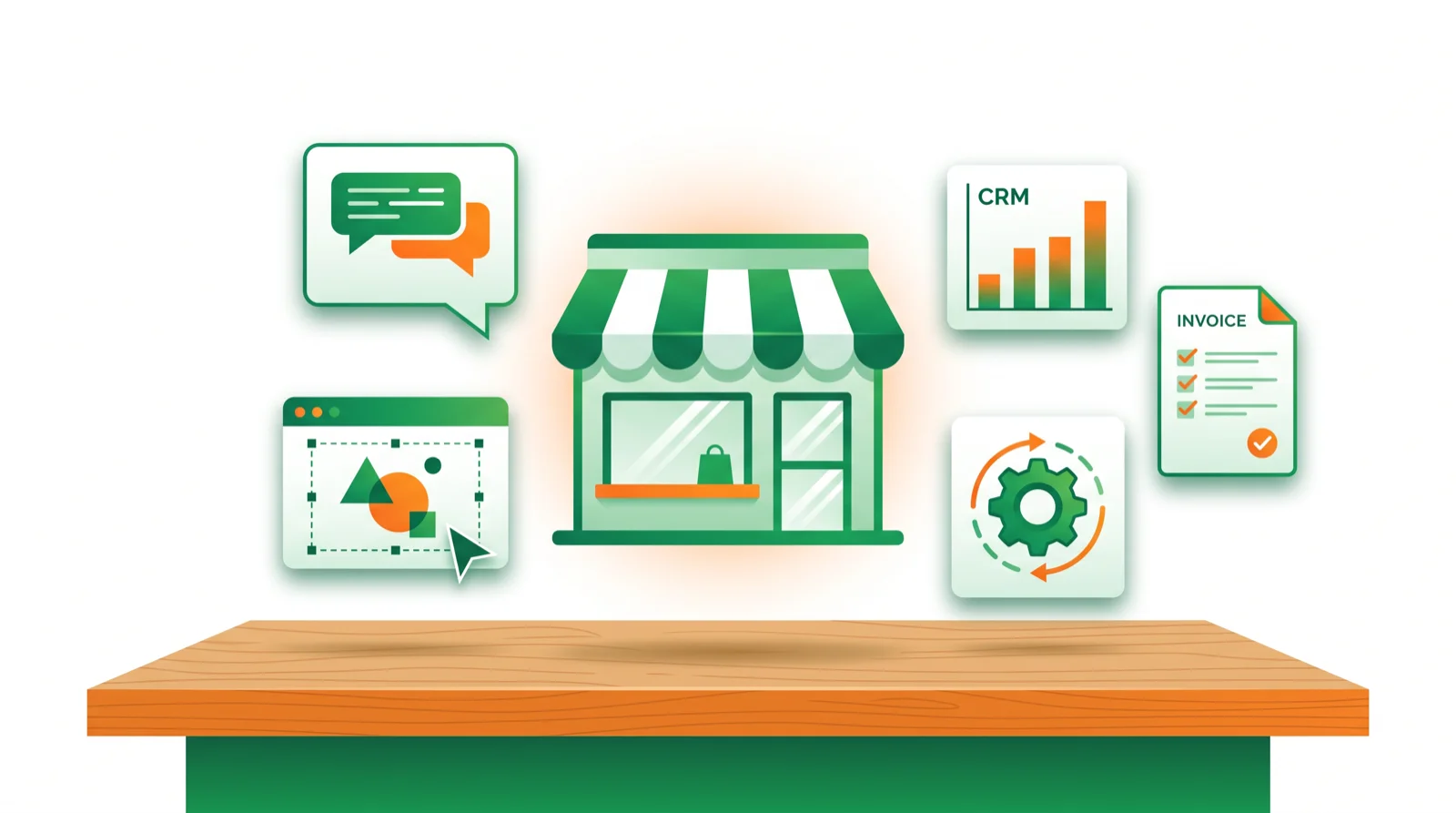
- Start here: ChatGPT for everything, Canva for visuals, Grammarly for polish — about $50/mo total.
- Then add: a CRM (HubSpot), a meeting notetaker (Otter/Fireflies), and Zapier to connect it all.
- Buy by the job, not the hype. Most small businesses need 3–5 tools, not fifteen.
The best AI tools for business aren’t the flashiest — they’re the ones that quietly save an hour a day. This guide ranks the tools worth paying for by the job they do, with real prices, so a solo founder or small team can build a lean stack that pays for itself in the first week.
New to this? Start with the full AI tools hub or jump to productivity tools.
The best AI tools for business compared
| Tool | Job | Free | Paid from |
|---|---|---|---|
| ChatGPT | Writing, research, analysis | Yes | ~$20/mo |
| Claude | Long docs & careful writing | Yes | ~$20/mo |
| Canva | Design & social visuals | Yes | ~$13/mo |
| Grammarly | Professional writing polish | Yes | ~$15/mo |
| Notion AI | Docs, wikis & projects | Yes | ~$10/mo |
| HubSpot | CRM + email + lead scoring | Yes | ~$20/mo |
| Zapier | Connect & automate apps | Yes | ~$20/mo |
| Otter / Fireflies | Meeting notes | Yes | ~$17/mo |
| Tidio | AI customer support chat | Yes | ~$29/mo |
| Midjourney | Premium marketing images | No | ~$10/mo |
1. ChatGPT — best all-round business assistant
If you buy one AI tool, buy this. ChatGPT drafts emails, ad copy, and proposals, analyzes spreadsheets, and answers operational questions. The free tier is useful; Plus (~$20/mo) unlocks the best models, and Team (~$25/user) adds shared workspaces. A single person saving 30 minutes a day pays it back in a couple of days.
Best for: owners, marketers, and support — anyone who writes. Compare AI assistants
2. Claude — best for long documents
Claude handles contracts, reports, and long email threads with more nuance than most chatbots, and its writing needs less editing. Keep it alongside ChatGPT for anything document-heavy.
Best for: writing, policy, and document analysis. Price: free tier; Pro ~$20/mo.
3. Canva — best for design without a designer
Canva’s Magic Studio turns a prompt into social posts, flyers, presentations, and short videos, with a brand kit that keeps everything on-brand. The fastest way for a non-designer to look professional.
Best for: social media and marketing assets. Price: free plan; Pro ~$13/mo.
4. Grammarly — best for professional communication
Grammarly cleans up tone, clarity, and mistakes across email, docs, and chat, so client-facing writing reads sharp. Cheap insurance against the typo in the proposal.
Best for: polished client communication. Price: free tier; Pro ~$15/mo.
5. Notion AI — best for docs & team knowledge
Notion AI drafts and summarizes across your docs, wikis, and projects, and answers questions about your own content. Ideal if your team already runs on Notion.
Best for: agencies and startups. Price: free plan; AI ~$10/mo. Read our Notion AI review
6. HubSpot — best AI-powered CRM for small business
HubSpot brings AI into a free-to-start CRM: lead scoring, email drafting, and a ChatSpot assistant. The easiest on-ramp for a business that’s outgrowing spreadsheets.
Best for: managing customers and sales. Price: free CRM; paid from ~$20/mo.
7. Zapier — best for automating the busywork
Zapier connects 6,000+ apps and now runs AI steps and agents, so lead forms, invoices, and follow-ups move on their own. Set it up once and stop copying data between tools.
Best for: connecting your stack. Price: free tier; paid from ~$20/mo. Zapier vs Make
8. Otter or Fireflies — best for meetings
Both join your calls, transcribe, and produce summaries and action items. Otter is the simple default; Fireflies pushes notes into your CRM for sales teams.
Best for: never losing what was decided. Price: free tiers; paid ~$17–19/mo. Otter review
9. Tidio — best AI customer support
Tidio pairs live chat with an AI agent (Lyro) that answers common questions from your help content, with a human handoff for the rest. Budget-friendly support automation for small shops.
Best for: e-commerce and service sites. Price: free tier; AI plan ~$29/mo.
10. Midjourney — best for premium visuals
When you need standout, artistic imagery for a campaign or site, Midjourney produces the best-looking results. Overkill for everyday graphics — use Canva for those.
Best for: high-end brand imagery. Price: from ~$10/mo. Best AI image tools
The $50/month starter stack
If you’re just beginning, this covers 90% of the work:
- ChatGPT Plus (~$20) — writing, research, analysis.
- Canva Pro (~$13) — design and social.
- Grammarly (~$15) — professional communication.
Add Zapier and a CRM once you’re ready to automate and track customers. Costs dropped fast over the last two years, so tools that were $500/mo now do the same job for under $100.
How to choose AI tools for your business
- Name the bottleneck. Writing, design, support, or admin — fix the slowest one first.
- Start free, prove ROI. Run the free tier for a week; switch to annual only after it earns its keep.
- Keep it lean. If you’re spending $500+/mo with under 20 staff, audit what you actually use.
- Connect, don’t stack. One automation tool (Zapier) beats five disconnected apps.
Bottom line
Start with ChatGPT, Canva, and Grammarly for about $50/mo, then add a CRM, a meeting notetaker, and Zapier as you grow. Buy by the job, prove the ROI, and keep the stack small. Explore more in the AI tools hub.
FAQ
What are the best AI tools for a small business? ChatGPT for writing and research, Canva for design, Grammarly for polish, a CRM like HubSpot, and Zapier to automate. Start with three and add as needed.
How much should a small business spend on AI tools? Start around $50/mo (ChatGPT, Canva, Grammarly) and scale to $150–300/mo as you add automation and sales tools. Most businesses with 5–15 staff settle near $400–700/mo across 3–5 tools.
What’s the best free AI tool for business? ChatGPT, Canva, and HubSpot’s CRM all have genuinely useful free plans you can run a business on to start.
Which AI tool should I get first? ChatGPT. It covers the widest range of tasks and needs no setup — sign up and start.
Can AI tools replace staff? No. They remove busywork so your team does more of the work that needs a human. Treat AI output as a first draft you review.
Are annual plans worth it? Usually. Most tools discount 15–25% annually — switch after you’ve tested a tool for a month or two and it’s working.
🧰 More: All AI Tools · Productivity · Automation
