- Best all-round: ChatGPT or Gemini — upload an image and ask for any description.
- Best for alt text at scale: a dedicated alt-text generator.
- Best for recreating an image: an image-to-prompt tool that reverse-engineers the prompt.
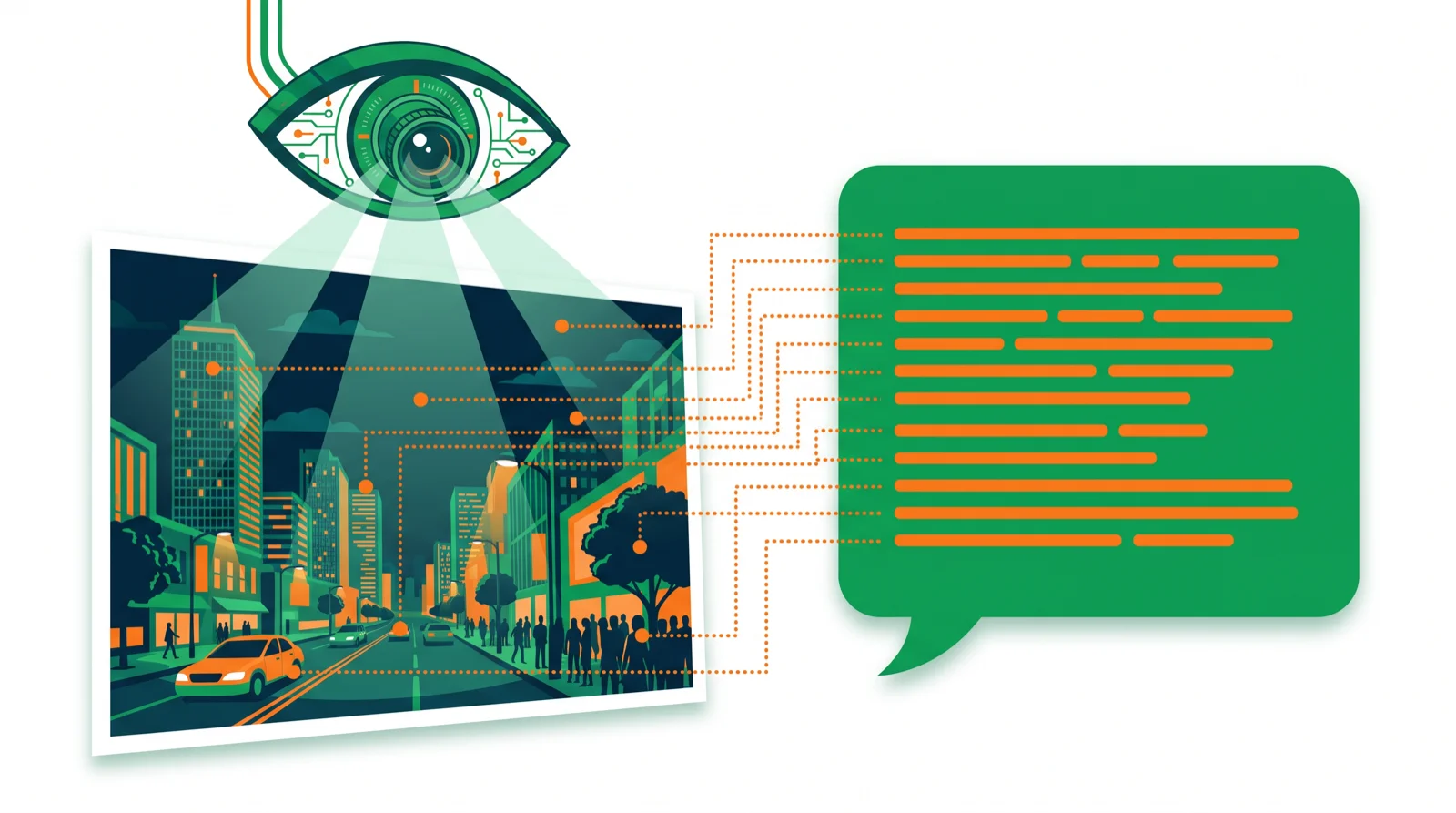
An AI image describer looks at a picture and writes what’s in it — for alt text, captions, accessibility, or turning an image back into a prompt. This guide covers the best tools for each of those jobs, most of which are free.
Part of our AI image tools hub.
The best AI image describers compared
| Tool | Best for | Free | Paid from |
|---|---|---|---|
| ChatGPT | Any description, on demand | Yes | ~$20/mo |
| Google Gemini | Free image understanding | Yes | ~$20/mo |
| Microsoft Copilot | Free, in Windows/Edge | Yes | ~$20/mo |
| Alt-text generators | Bulk alt text for SEO/a11y | Yes | Varies |
| Image-to-prompt tools | Recreating an image | Yes | Varies |
| Be My Eyes / Seeing AI | Accessibility | Free | Free |
What is an AI image describer?
It’s any tool that reads an image and returns text: a caption, a detailed description, alt text for accessibility and SEO, or the likely prompt used to generate it. Modern AI assistants can do all of this because they “see” images, and specialized tools package it for a single job.
1. ChatGPT — best all-round describer
Upload an image to ChatGPT and ask for anything: a one-line caption, alt text, a detailed scene description, or an accessibility read-out. The most flexible option, and free to try.
Best for: any description on demand. Compare AI assistants
2. Google Gemini — best free image understanding
Gemini reads images well and is generous on the free tier, built into Google apps. A strong no-cost choice for describing and analyzing pictures.
Best for: free, everyday image questions. Price: free tier.
3. Microsoft Copilot — best built-in option
Copilot describes images for free inside Windows and Edge, handy when you don’t want another app just to caption a picture.
Best for: quick descriptions in Microsoft apps. Price: free.
4. Alt-text generators — best for SEO & accessibility at scale
Dedicated alt-text tools (many free, some built into CMS plugins) generate concise, descriptive alt attributes for lots of images at once — the practical pick if you’re improving a whole site’s accessibility and image SEO.
Best for: bulk alt text. Price: free to low-cost.
5. Image-to-prompt tools — best for recreating an image
These reverse-engineer a text prompt from an image so you can generate something similar in Midjourney or another model. Useful for style-matching and learning what makes an image work.
Best for: matching a style. See our best AI image generators.
6. Seeing AI / Be My Eyes — best for accessibility
Purpose-built accessibility apps narrate the world and describe images aloud for blind and low-vision users, and they’re free.
Best for: accessibility use. Price: free.
Which should you use?
- Any description, once: ChatGPT or Gemini.
- Alt text for a whole site: a dedicated alt-text generator.
- Recreate an image’s style: an image-to-prompt tool.
- Accessibility: Seeing AI or Be My Eyes.
Bottom line
For a one-off description, ChatGPT or Gemini does it best and free. For bulk alt text, use a dedicated generator; to recreate an image, use an image-to-prompt tool. Explore the full AI image tools hub.
FAQ
What is the best AI image describer? ChatGPT and Gemini are the best all-round options — upload an image and ask for any kind of description, free to try.
How do I get AI to describe an image? Upload it to ChatGPT, Gemini, or Copilot and ask, for example, “write alt text for this image” or “describe this photo in detail.”
Can AI write alt text for SEO? Yes. General assistants do it one at a time, and dedicated alt-text generators handle many images at once for a whole site.
What is an image-to-prompt tool? It reverse-engineers the likely text prompt from an image so you can generate a similar one in an AI image generator.
Is there a free AI image describer? Yes — Gemini, Copilot, and accessibility apps like Seeing AI are free, and ChatGPT has a free tier.
🧰 More: AI image tools · AI assistants · All AI Tools
