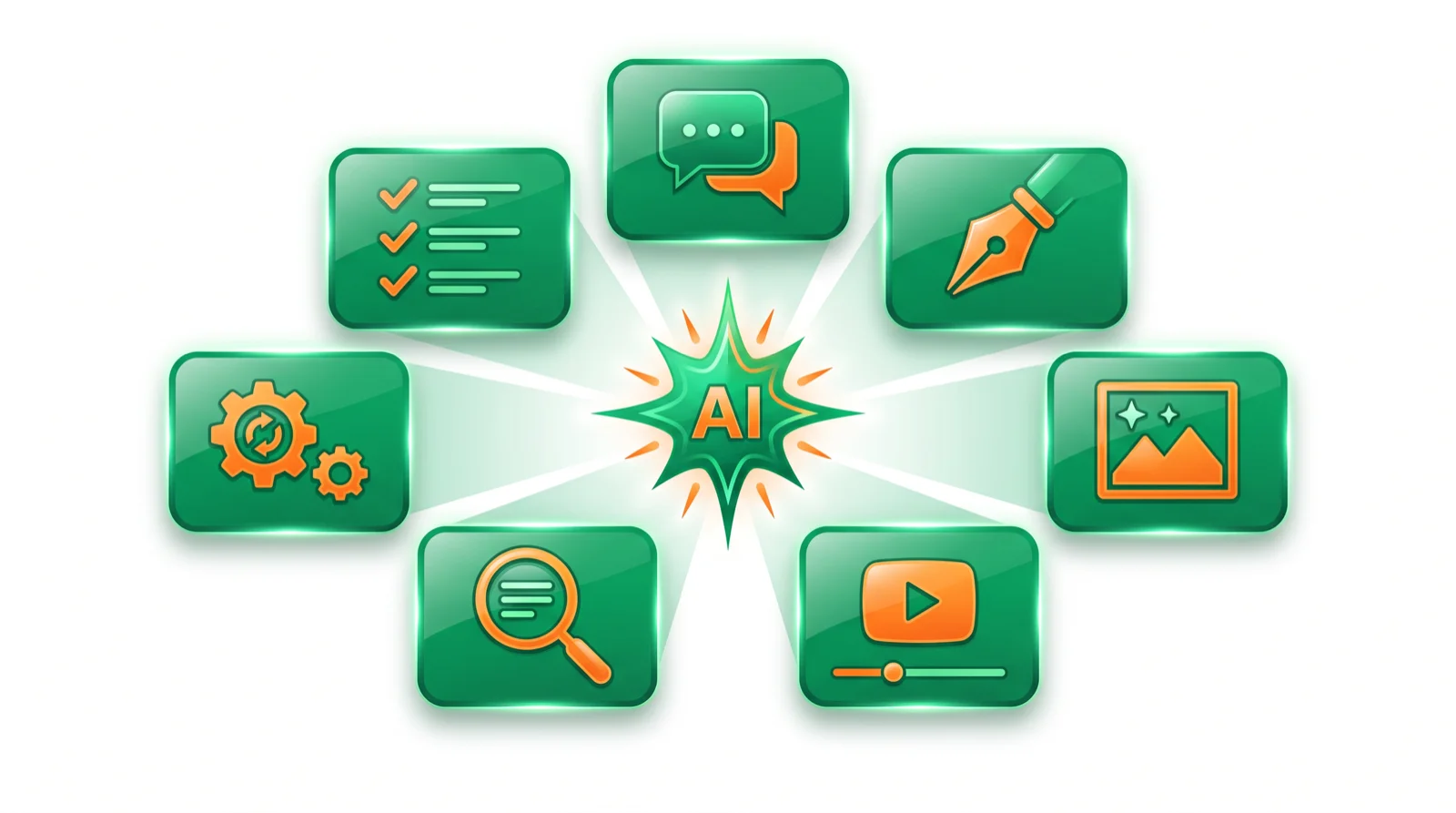
- There’s no single “best” AI tool — it depends on the job. Start with a chatbot, add specialists.
- Start here: ChatGPT, Claude, or Gemini — one of these covers 80% of everyday AI work for free.
- Then pick one specialist per task: images, video, SEO, automation, or productivity.
There are thousands of AI tools and most “best of” lists never actually opened them. AI Deep Hub organizes the ones worth your money into seven job-based categories — the Creator’s AI Toolkit — each with hands-on reviews and honest verdicts. Below are the top picks per category, and links to the full guide for each.
The best AI tools at a glance
| Category | Top pick | Also great | Full guide |
|---|---|---|---|
| Chatbots & assistants | ChatGPT | Claude, Gemini | AI chatbots |
| Writing & content | ChatGPT / Jasper | Claude, Grammarly | AI writing tools |
| Image & design | Midjourney | Canva, Firefly | AI image tools |
| Video & audio | Runway | Synthesia, ElevenLabs | AI video tools |
| SEO & marketing | Surfer SEO | Semrush, Frase | AI SEO tools |
| Automation & agents | Zapier | Make, n8n | AI automation |
| Productivity & business | Notion AI | ClickUp, Otter | AI productivity |
Start here: the AI assistants everyone should try
If you do nothing else, pick one general AI assistant. These handle writing, research, analysis, and quick answers, and all have free tiers worth using before you pay.
- ChatGPT — the best all-rounder and the right default for most people.
- Claude — the best writing and long-document reasoning.
- Gemini — the strongest free tier, built into Google apps.
- Perplexity — the best for research, with cited sources you can verify.
See the full ranking in our best AI chatbots guide.
The 7 AI tool categories
- AI Writing & Content — generate, rewrite, and polish text (ChatGPT, Jasper, Grammarly, QuillBot).
- AI Image & Design — create art, logos, and product visuals (Midjourney, Canva, Firefly, Leonardo).
- AI Video & Audio — make videos, avatars, and voiceovers (Runway, Synthesia, ElevenLabs, HeyGen).
- AI SEO & Marketing — rank content and track AI visibility (Surfer, Semrush, Frase).
- AI Chatbots & Assistants — chat, research, and get answers (ChatGPT, Claude, Perplexity, Gemini).
- AI Automation & Agents — automate workflows and build agents (Zapier, Make, n8n).
- AI Productivity & Business — notes, meetings, coding, and PM (Notion, ClickUp, Otter, Cursor).
Best free AI tools
You can build a capable stack for $0. ChatGPT, Claude, and Gemini have strong free chat; Canva and DALL·E cover images; Grammarly and QuillBot polish writing; NotebookLM handles research; and CapCut covers basic video. Start free, then pay only for the one specialist that matches your main job.
How to choose an AI tool
- Start with the job, not the brand. Define the task — write an article, make a thumbnail, summarize a meeting — then open the matching category above.
- Shortlist by budget and free plan. Almost every tool worth buying has a free tier or trial.
- Test on a real task. Run your actual work through it, not a demo, before you pay.
- Keep the stack lean. One assistant plus a few specialists beats a dozen half-used subscriptions.
Bottom line
The best AI tool is the one that fits the job in front of you. Start with a free assistant — ChatGPT, Claude, or Gemini — then add one specialist per task: Midjourney for images, Runway for video, Surfer for SEO, Zapier for automation, Notion AI for productivity. Use the seven category guides above to go deeper on any one.
FAQ
What is the best AI tool overall? There isn’t one — it depends on the job. ChatGPT is the best all-round assistant; for images it’s Midjourney, for video Runway, for SEO Surfer. Use the categories above to match tool to task.
What are the best free AI tools? ChatGPT, Claude, and Gemini for chat and writing; Canva and DALL·E for images; Grammarly and QuillBot for polishing; NotebookLM for research. All have genuinely useful free plans.
What AI tools should a small business start with? A general assistant (ChatGPT or Claude), a design tool (Canva), and one automation tool (Zapier) cover most needs. Add specialists as specific jobs come up.
How many AI tools do I need? Most people need one assistant plus two or three specialists. Buying more than you use is the most common mistake.
How do you review AI tools here? We sign up, run a real task, report the true price, and give an honest verdict — recommending the free or cheaper option whenever it wins. Every review carries a disclosure.
Are paid AI tools worth it over free ones? Only when you hit the limits of the free tier or need the best models for heavy work. Start free and upgrade the one tool you use daily.
🧰 Explore the Creator’s AI Toolkit: Writing · Image · Video · SEO · Chatbots · Automation · Productivity